Overview
As you
know, we can search KML files on Google Search with "your_key_word
filetype:kml" or "your_key_word filetype:kmz". This
tool's duty is integrate the search result directly into Google
Earth.
Requirements
OS:
Java:
Files
Tree
Setup
Windows
You
may need to modify ${GS2GE_HOME}/start.cmd file. Insert line
set JAVA_HOME=Your Java Home Directory
below line REM
set JAVA_HOME here.
Usage
|
Abbreviation:
GE
- Google Earth
GS
- Google Search
|
Start
GS2GE Server
You
can goto step 3 directly if you know the query URL format and
all your query parameter are ASCII char.
Generate
query URL
a. Open a browser. Go to URL :
http://localhost:7070/servlets/la.ge.server.servlets.gs2ge.ui.GEURLGeneratorServlet
b.
Enter your search keyword
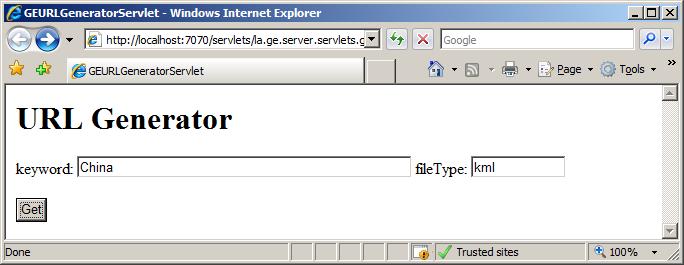
c.
Get the result(GE Network Link URL)
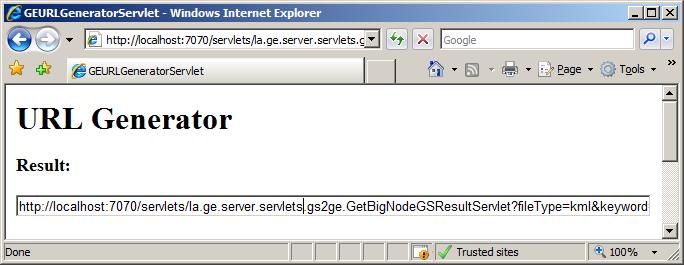
Create
Network Link in GE with the generated URL
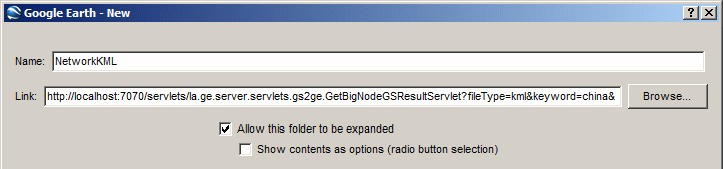
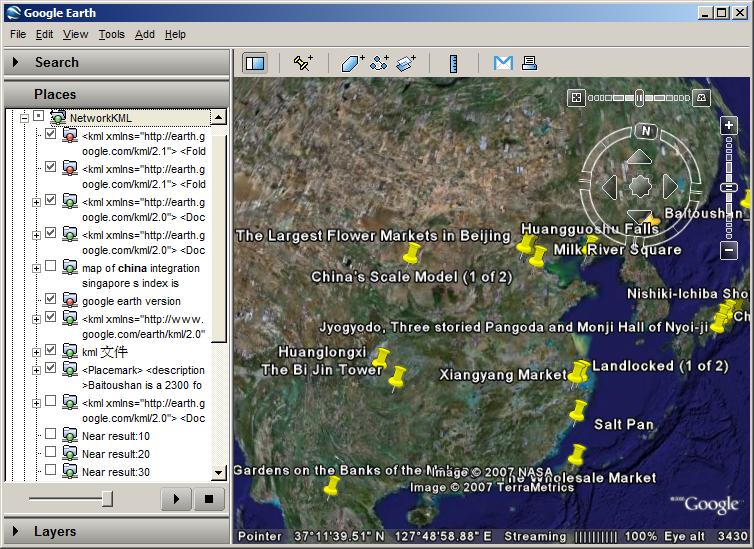
Some
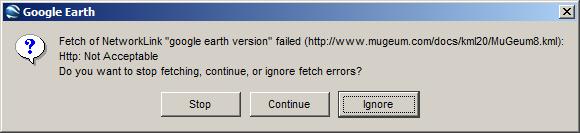
result return by Google may be invalid. Just Ignore it.